No servers. No setup. No internet required. Just pure solo RuneScape Classic gameplay — preserved and reimagined.



Features
Core
- 100% single-process design — no external DB, server, or internet required
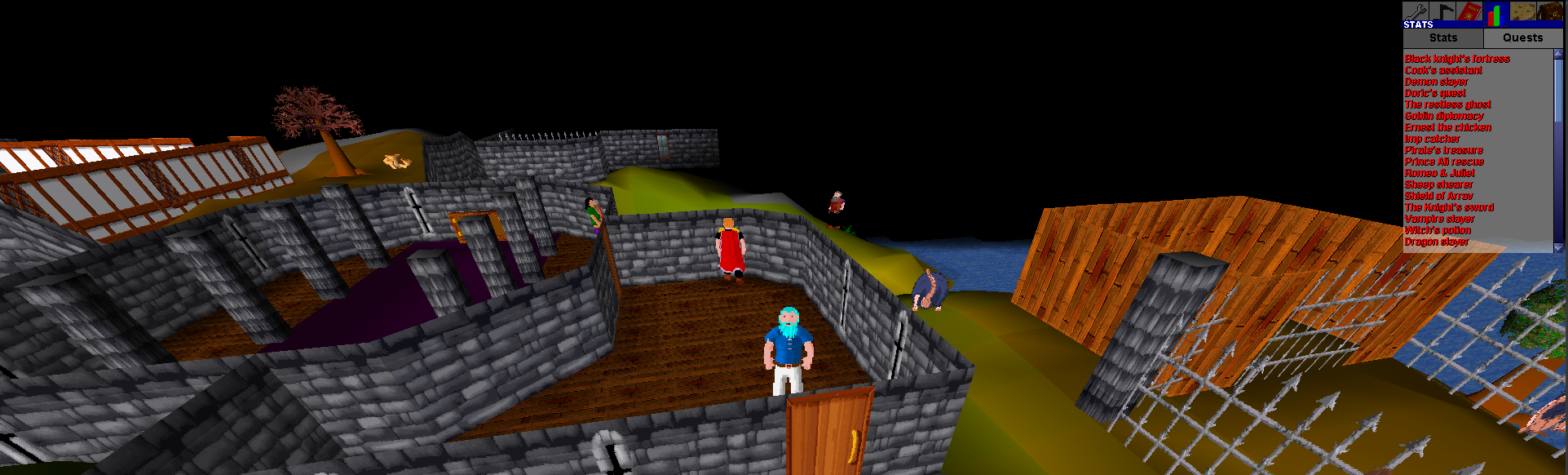
- All core content including all 50 quests
- Up to 200 autonomous world bots that skill, fight, trade, chat, and travel
- Batched skill actions (woodcutting, mining, cooking, etc.) using a tick-based batch system
- Resizable UI — drag to any window size (desktop) / pinch zoom (mobile)
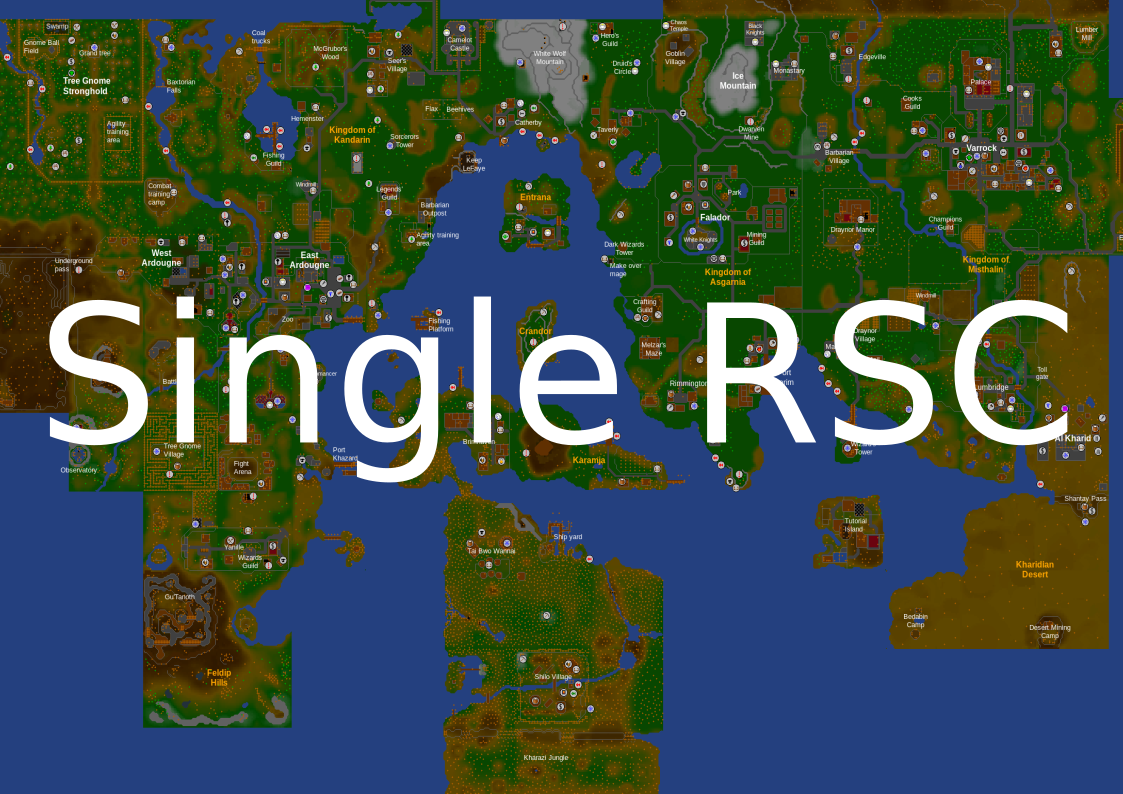
- Full music — 55 MIDI tracks mapped to game regions
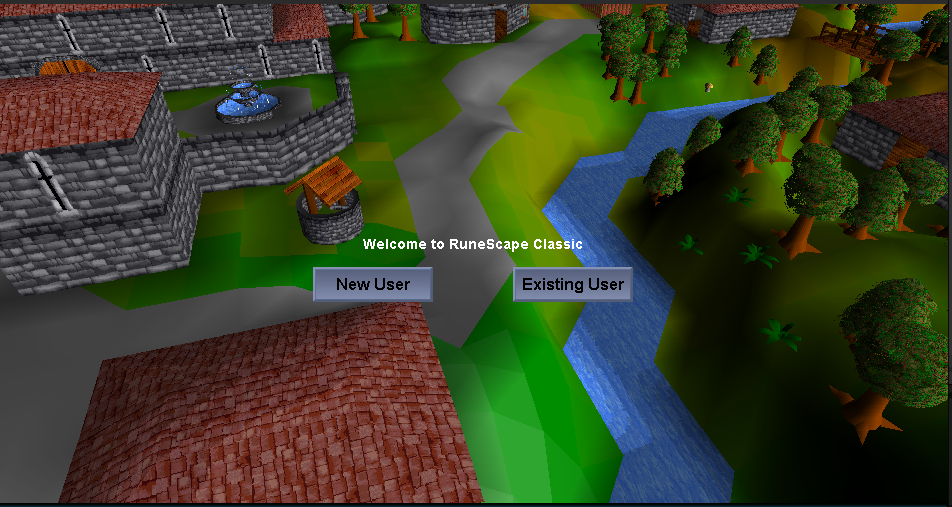
- Dynamic login screen
- Multi-account capable
- Player XP multiplier configurable and saved per character, with 50x supported
- Hardcore mode — death permanently deletes your save
- Enhanced poison system (6 damage per 15 seconds)
- Context-aware object interactions (pillars, crystals, vines, docks, traps, scaffolding)
Quality of Life
- Bank accessible anywhere via
::bank - Teleport utility via
::tele <area>or coordinates ::stuckto unstick your character- Item swapping in bank via right-click
- Bob's Axes stocks hatchets (Bronze → Rune) and pickaxes (Bronze → Rune)
- Admin account: create user named
rootfor all admin commands
Desktop (v2.8.4)
- Java 17+ required
- Launch via
run.sh(Linux/macOS) orrun.bat(Windows) - Resizable window with dynamic UI scaling
- Build from source with included compile command
Mobile (v2.8.4)
- Android 7.0+ (API 24) — ~6 MB
- Tap = left click, Long press = right click
- Double tap = toggle on-screen keyboard
- Pinch zoom in/out, two-finger drag to rotate camera
- Player-controlled skill botting commands have been removed
Bot System
- World bots: Up to 200 autonomous skilling, fighting, trading, login/logout, wilderness patrol, and region-travel bots
- Variable world-bot XP: Autonomous world bots roll 1x, 2x, 3x, or 5x rates for more interesting highscores
- No player botting: Commands such as
::woodcut,::fish, and::combatno longer automate your character - Bot lookup: Use
::worldbots lookup <name>to inspect a world bot profile - World-bot grouping: Use
::worldbots group nearby,role fighter,mode boss, anddismissto build a party - World-bot trading: Use
::worldbots trade,trade <name>, orgroup tradeto buy supplies from nearby bots - Living-world feed: Use
::worldbots activityand::worldbots hintfor recent bot events and contextual help - World bot highscores: Use
::worldbots topfor score, coins, trades, kills, deaths, and banked items - World-bot skills: Autonomous bots train all 18 RSC skills without controlling your character
- Manage the living world with
::worldbots status,settings,start, andstop
Commands
::bank— open bank anywhere::tele <location>— teleport to named areas or coordinates::stuck— unstick character::pos— show current coordinates::toggleroofs— toggle roof rendering::mapedit— open real-time map editor- Admin (root):
::item,::npc,::object,::set,::addbank,::quest,::find, minimap right-click teleport
Local Highscores
The game creates cache/highscores-export.json when you log in and refreshes it every 20 seconds. Connect that file once and this page remembers your rankings, search, and open profile across page refreshes. Your data is read only by this browser and is never uploaded.
Connect your local highscore file once to enable automatic updates.
| Rank | Player | Type | Rate | Level | XP |
|---|---|---|---|---|---|
| Start the game, then connect cache/highscores-export.json. | |||||
| Skill | Level | XP |
|---|
Changelog
v2.8.4
- Serialize Ollama requests and bound their context so both local games can safely share one model
- Move Ollama conversation saves and world-bot state writes away from the game loop
- Index bot, avatar, and combat-target lookups for smoother large populations
- Remove forced garbage collections that could pause startup and map loading
- Restore specialized ladder handling instead of intercepting ladders generically
v2.8.3
- Move highscore exports off the game loop and coalesce duplicate export requests
- Apply strict time budgets to autonomous bot decisions and movement
- Isolate and log slow or failing delayed events
- Give every world bot an individualized long-distance route style while keeping combat pursuit direct
v2.8.2
- Give every new character a complete valid RSC appearance
- Repair existing incomplete appearances and reopen character design so they can be accepted
- Physically remove player-automation commands and their implementation from the command plugin
- Retain autonomous world bots, Ollama conversations, highscores, and the existing configurable XP rate
v2.8.1
- Fix new-character creation when the player-save directory does not exist yet
- Keep the appearance Accept button visible on compact desktop and mobile displays, and save the selected appearance immediately
- Keep up to 200 autonomous world bots while removing commands that automate the player's character
- Show each character and world bot's saved XP rate directly in website highscores
- Add live world-bot stats, activity, trading, grouping, conversations, and broader RSC skilling
v2.7.6
- Add autonomous bot-created groups for bossing, wilderness PK trips, skilling trips, and market runs
- Add living-world activity, market, and active-group panels to the website
- Add world-bot activity feed, helper hints, memory counters, group survival, and richer economy reactions
- Add autonomous world bots across many regions with lookup, nearby reports, and highscores
- Add world-bot grouping for combat, bossing, skilling, wilderness, and social follow modes
- Add transactional Grand Exchange pricing, stock, and market-volume reports
- Support 200 autonomous world bots with variable XP-rate highscore profiles
- Lock managed player-bot XP to 1x progression
v2.7.0
- Fix poison system from Sinister Chest (6 damage per 15 sec)
- Add context-aware NPC default responses
- Enhance object interactions (pillars, crystals, vines, docks, traps, scaffolding)
- Bot auto-switch at 99 and teleport home when too far
- Verified ~90% accurate to original RSC
v2.6.0
- Bot auto-switch at 99: Bots automatically switch to next bot when skill reaches 99
- Teleport Home: Bots teleport back when exceeding 50 tiles from home
- Progression: Woodcutting → Mining → Fishing → Combat
v2.5.0
- Fix TODOs and add sleeping HP restoration
- Add pottery crafting (potter's wheel and pottery oven)
- Fix hardcore retreat death bug
- Move HC badge below bag icon
Installation
Desktop
- Download
Single-RSC-v2.8.4.zipfrom GitHub releases - Extract the zip file
- Ensure Java 17+ is installed:
java -version - Run
run.sh(Linux/macOS) orrun.bat(Windows)
Mobile
- Download
Single-RSC-v2.8.4.apkfrom GitHub releases - Enable "Install from unknown sources" in Settings
- Open the APK file to install
- Launch the app from your app drawer
FAQ
Game won't start
Ensure Java 17+ is installed. Run java -version in your terminal to verify.
Black screen on mobile
Try restarting the app. If the issue persists, clear app data in Settings → Apps → Single-RSC → Clear Data.
How do I enable hardcore mode?
Create a character and look for the "Hardcore" checkbox on the character creation screen.
Can I play with friends?
Not currently. This is a single-player client only.
How do I report a bug?
Open an issue at github.com/kennethyork/Single-RSC/issues.
What makes Single-RSC better than other RSC single-player projects?
- Active development (last update August 2026)
- Mobile APK support
- Up to 200 autonomous world bots with skilling, combat, travel, trading, and chat
- Enhanced combat features (poison system)
- Desktop + Mobile releases
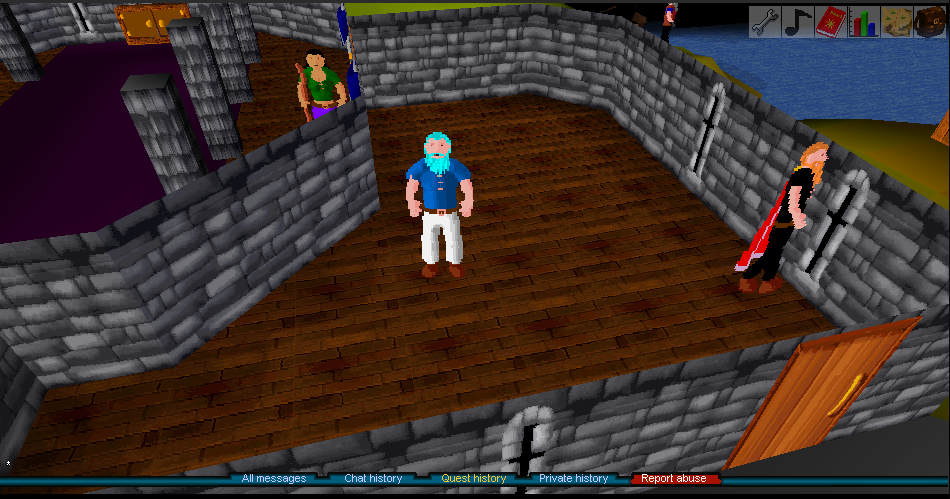
Screenshots